
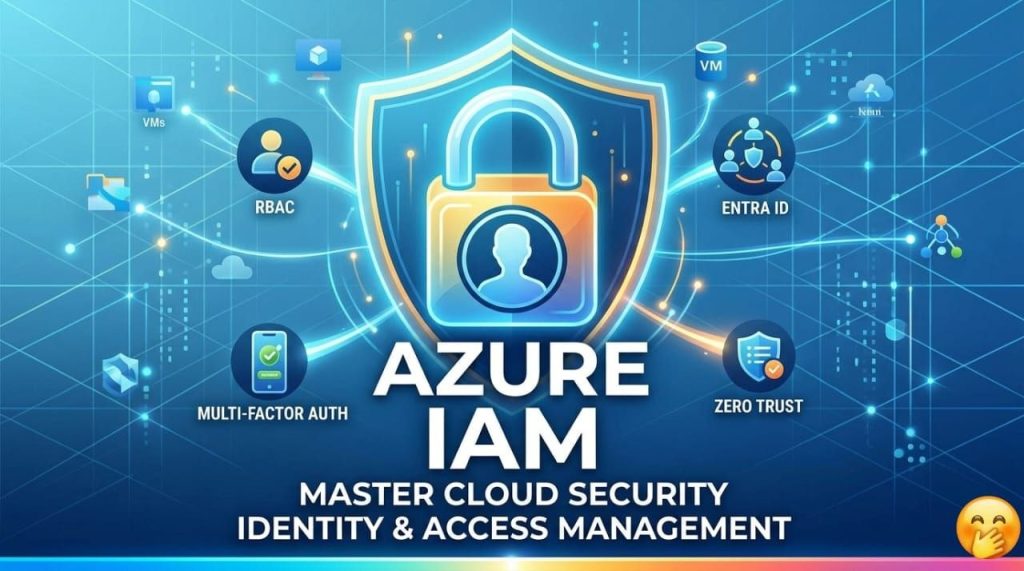
In the sprawling landscape of cloud computing, the “perimeter” is no longer a physical firewall in a server room—it is Identity. As organizations migrate more critical workloads to the cloud, securing who can access what becomes the most vital line of defense.
In this edition, we dive deep into Azure IAM, exploring how it moves beyond simple passwords to provide a robust, intelligent security framework.
Why Identity is the New Perimeter
In traditional networking, security was focused on “the castle and the moat.” Once you were inside the network, you had broad access. In the cloud, users connect from anywhere, on any device. Azure IAM ensures that access is granted based on verified identity and specific conditions, rather than just location.
The Three Pillars of Azure IAM
1. Microsoft Entra ID (Formerly Azure AD): At the heart of Azure IAM is Microsoft Entra ID. It is a multi-tenant, cloud-based directory and identity management service. It doesn’t just manage users; it manages:
Service Principals: Identities for applications to access specific resources.
Managed Identities: Automatically managed identities for Azure services (like a VM talking to a SQL database) that eliminate the need for developers to manage credentials.
Guest Accounts: Securely collaborating with external partners using B2B (Business-to-Business) features.
2. Role-Based Access Control (RBAC): Azure RBAC is the mechanism used to manage permissions. It operates on the principle of Least Privilege: users should only have the access they need to do their jobs, and nothing more.
The Scope: Permissions can be applied at the Management Group, Subscription, Resource Group, or individual Resource level.
Built-in Roles: Azure provides hundreds of pre-defined roles like Owner, Contributor, and Reader.
Custom Roles: If the built-in options don’t fit, you can define your own granular permissions using JSON.
3. Conditional Access: “Zero Trust” in Action Conditional Access is the “if-then” engine of Azure IAM. It analyzes signals before allowing access:
User/Group membership: Is this person in the Finance department, IT department, marketing department?
IP Location: Is the login coming from a trusted office network or an anonymous proxy?
Device State: Is the laptop encrypted and up-to-date?
Application: Is the user trying to access the HR portal or just a public site?
The Result: If a login looks risky (e.g., an “impossible travel” scenario where a user logs in from two countries in one hour), Conditional Access can automatically trigger Multi-Factor Authentication (MFA) or block access entirely.
Best Practices for a Secure Tenant.
Enforce MFA for Everyone: This is the single most effective way to prevent account takeovers.
Use Privileged Identity Management (PIM): Instead of having “Global Admins” 24/7, PIM allows for Just-In-Time (JIT) access. Admins must request permission and provide a justification to gain elevated rights for a limited window.
Eliminate Passwords: Transition to passwordless authentication using the Microsoft Authenticator app, FIDO2 security keys, or Windows Hello for Business.
Audit Regularly: Use Azure Monitor and Entra ID Sign-in logs to track who is accessing your environment and identify suspicious patterns.
The Bottom Line
Azure IAM isn’t just about “logging in.” It is a sophisticated orchestration of security, governance, and productivity. By mastering Entra ID, RBAC, and Conditional Access, you aren’t just managing users—you are securing the future of your digital infrastructure.
Stay Secure🔐